
YouTube Community Posts Have No Subscriber Gate. Most Channels Still Don't Have Any.

At some point in 2022, YouTube quietly removed the subscriber threshold for community posts. No announcement, no blog post, no fanfare. Channels with 0 subscribers could suddenly post to their community tab the same day they uploaded their first video.
Three years later, most small creators still treat community posts like something they'll figure out once they hit 10,000 subscribers. That window closed in 2022. The feature is open. The channel tab is empty.
This is less about the feature itself - community posts aren't magic - and more about what it reveals: most creators are leaving a visible, low-effort touchpoint completely unused while spending hours on thumbnails that maybe 3% of their subscribers will ever see.
Sources: AIR Media-Tech 2025, Hootsuite 2025 YouTube Report, Social Media Examiner 2025
A Brief History of a Moving Goalpost
When YouTube launched community posts in 2016, they were locked behind 10,000 subscribers. In 2021, that dropped to 1,000. Then to 500 in September 2021 - cut in half overnight with a quiet platform update. Then, in 2022, the threshold disappeared entirely. Any channel in good standing can now publish to the community tab, regardless of subscriber count.
That arc - 10,000 to 1,000 to 500 to nothing - is unusual. YouTube doesn't usually open features wider over time. Features tend to calcify or quietly sunset. Community posts went the other direction. Which means if you're still waiting to "unlock" community posts, you're not waiting for anything. You already have it.
YouTube doesn't usually open features wider over time. The community posts arc - 10,000 subscribers to zero - is the exception, not the rule.
What Community Posts Actually Are
Think of community posts as YouTube's equivalent of a social media feed, but with one significant difference: your audience opted in specifically to see content from you. They're not scrolling past your post because an algorithm decided to show it. They came to your channel, or they subscribed. That's a different level of intent than a tweet.
Posts can be text, images, polls, video clips, or GIFs. They appear on your channel's Posts tab, in subscribers' home feeds, and - for channels subscribers have marked as "all notifications" - get pushed directly. The audience reach isn't limited to subscribers either. YouTube surfaces community posts to non-subscribers who have interacted with your content before.
The Numbers Worth Knowing
The research isn't deep - community posts don't have a decade of benchmarking behind them - but what exists points consistently in one direction.
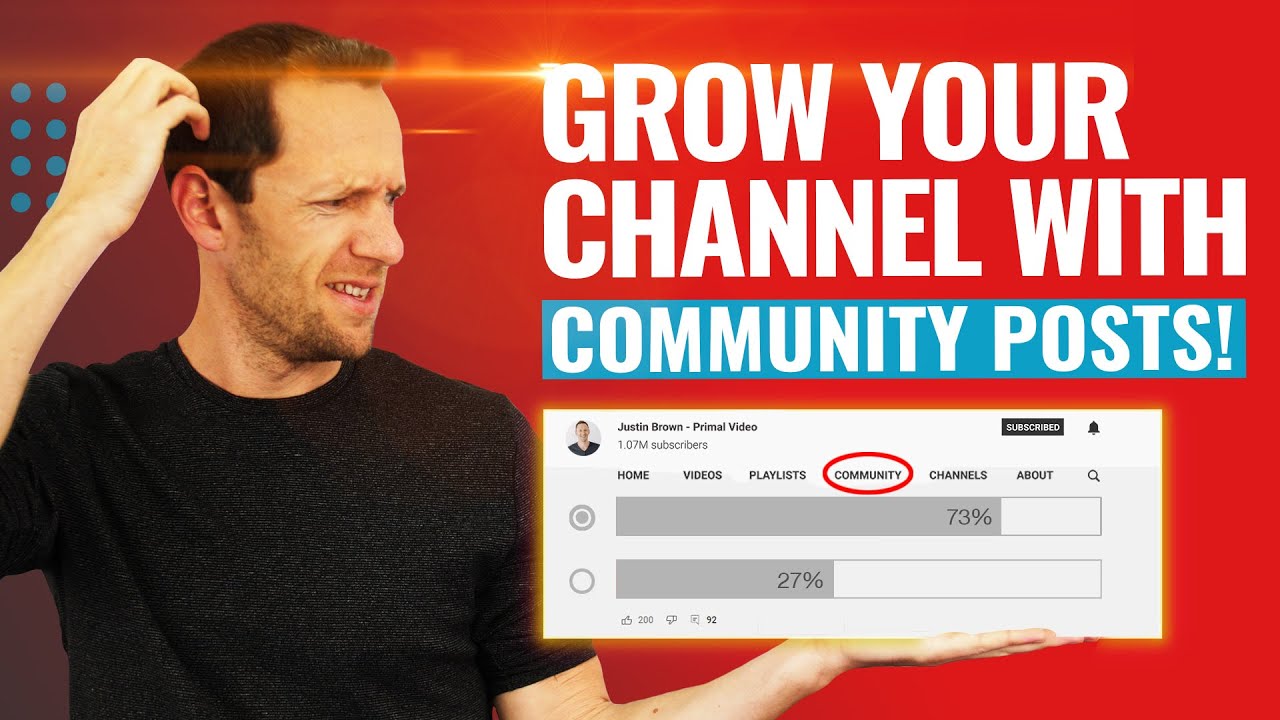
The format that reliably outperforms everything else is the poll. AIR Media-Tech's 2025 analysis puts poll interactions at 3 to 4 times higher than text-only posts. The reason isn't mysterious. A poll requires one tap. The viewer has an opinion already, and they spend zero effort expressing it. Frictionless input is maximum engagement.
Channels that publish community posts at least three times per week see 18 to 25% higher subscriber retention compared to channels that only upload videos, according to Hootsuite's 2025 YouTube marketing report. That's a meaningful number. Retention - keeping subscribers from going cold - is harder to move than raw subscriber count.
The third number matters for discoverability: regular community posting correlates with 12 to 15% more impressions on newly uploaded videos, per Social Media Examiner's 2025 YouTube report. YouTube appears to use community post activity as a signal that a channel is "active" - and active channels get more shelf space when a new upload goes live.
The Research Case Nobody Makes
Most guides to community posts frame them as engagement tools. Post a poll, get likes, feel validated. That framing is fine but it leaves the most valuable use case on the table: polls as audience intelligence.
The question "what topic should I cover next - A or B?" tells you something about demand. The question "which of these two titles sounds more interesting?" tells you about framing. The question "when do you usually watch YouTube - morning, afternoon, or evening?" tells you when to publish. These are research questions dressed up as engagement posts. Your audience answers in ten seconds. You get data that a market research firm would charge weeks to compile.
This is the framing that makes community posts feel less like performing and more like working. You're not posting to maintain a presence. You're polling an audience that has already self-selected as interested in your specific topic. The signal quality is unusually high - and it costs you a text field and a button.
How to Not Burn Out Doing This
The mistake most creators make when they first discover community posts is treating them like a second upload schedule. They try to post every day, run out of ideas by day four, and abandon the whole thing. The community tab stays empty again, now with the added shame of having tried.
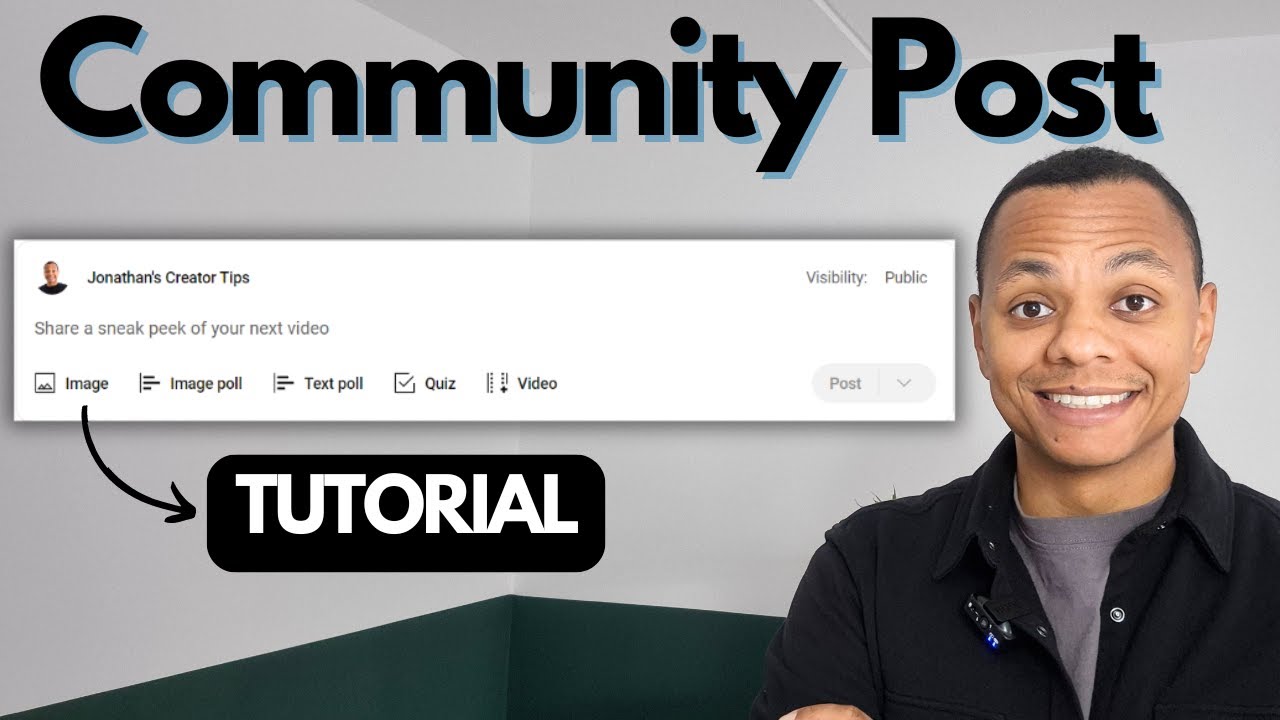
Two to three posts per week is enough, according to recommendations from both vidIQ and Primal Video. The content doesn't need to be polished. Behind-the-scenes photos, quick text updates, polls, thumbnail options for an upcoming video - these are five-minute tasks. The bar is intentionally low because the value isn't in each individual post. It's in the signal you send to your subscribers - and to YouTube's algorithm - that your channel is a consistent presence, not a ghost that shows up once every three weeks with a twelve-minute upload.
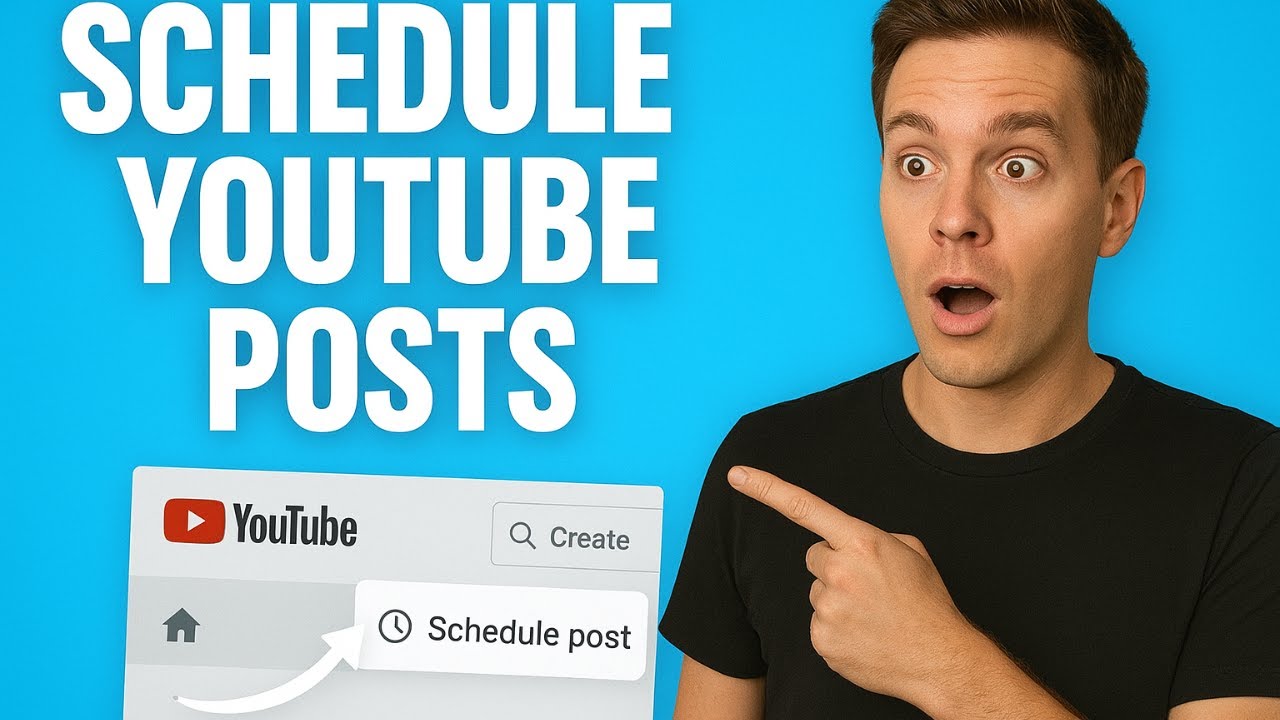
Scheduling helps. YouTube Studio lets you schedule community posts in advance, the same way you schedule a video upload. If you batch content creation on weekends, you can write four community posts in twenty minutes and distribute them across the week. The audience experience is a regular feed. Your actual effort is a single session.
The Advantage That Won't Last Forever
Here's the part that creates urgency: the reason community posts are worth doing right now, specifically, is that most channels your size aren't doing them. When a subscriber checks their home feed and sees a community post from your channel sitting above three algorithmic recommendations, your post stands out not because it's extraordinary but because the surrounding feed is noise and yours is signal.
That gap closes as more creators adopt community posts. The feature is six years old, the threshold has been gone for three years, and there are 65 million YouTube creators as of 2025. Most of those channels are still treating community posts like something they need to earn access to first.
The feature is available. The threshold is zero. Your channel's community tab is either a presence or a blank page. One of those options is doing something for you, and it takes about as much time as writing a text message.
The best features are often the ones nobody bothers with. Community posts are open to everyone. Most channels are still treating them like something behind a paywall they haven't thought to check.
Full disclosure: I write for YouTube Bookmark Pro, which makes a Chrome extension for saving and organizing YouTube videos. If you're using community posts to research what your audience wants to watch next, YBP's library feature can help you save and annotate the videos you're referencing. Not the point of this post, but there it is.
Join the conversation