
Playlists Are for Videos. Timestamps Are for Moments. YouTube Just Picked a Side.

On April 17, 2026, YouTube updated a support document and effectively ended its Clips feature. No press release, no feature blog. Just a note from someone named Carlos on TeamYouTube saying they "recognize that community clipping is an important way for creators to reach new audiences" - followed by the news that you can no longer create new Clips.
What replaced it? The timestamp link. A format YouTube has supported since 2009.
Seventeen years the timestamp URL sat there, quietly doing its job - appending ?t= to a link and dropping you exactly where you needed to be. Clips lasted five years before YouTube decided the older, simpler tool was right all along.
That's not a footnote. That's an argument about how we save things on YouTube - and most people are still doing it wrong.
What Clips Was, and Why It Didn't Stick
When YouTube launched Clips in 2021, the pitch was reasonable: let viewers create short, shareable segments (up to 60 seconds) from any public video, with a custom title and a defined end point. Clip a moment from a long livestream. Share the exact 45 seconds where someone said the thing. Give fans a tool that creators and highlights channels had been doing manually for years.
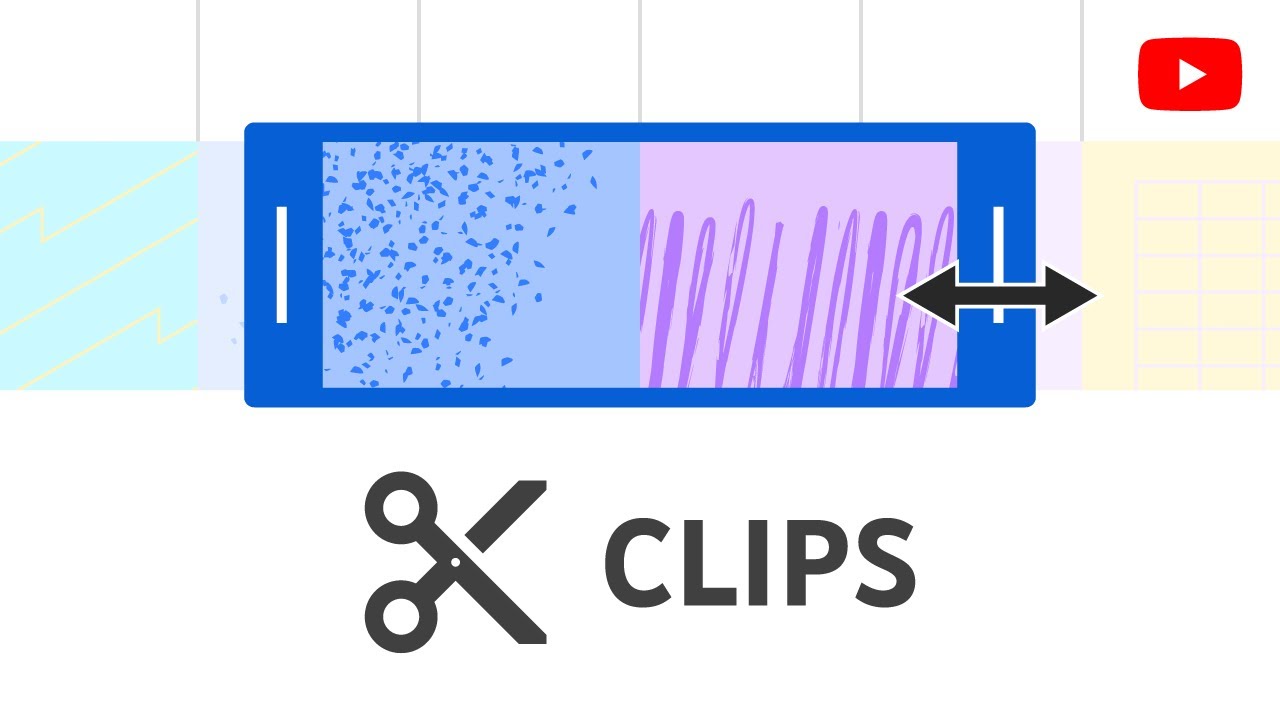
The feature worked, technically. The problem was that Clips solved a creator-distribution problem while pretending to solve a viewer-saving problem. Most people who clipped a video weren't trying to organize their library. They were trying to share a moment - and the timestamp URL already did that with less friction. You didn't need a title. You didn't need an end point. You just added &t=127 to the URL and sent it.
YouTube figured this out. In April 2026, it expanded timestamp sharing to mobile (previously desktop-only), deprecated Clips for viewers entirely, and shifted its clipping tools to the creator side in YouTube Studio. The message was clear: for sharing moments, the timestamp wins. For organizing moments, that's a creator job now.
Which brings us to the other tool everyone's been using wrong.
The Playlist Problem
YouTube playlists are genuinely useful - for creators. They keep viewers inside a channel, they extend session time, they organize episodic series. YouTube's algorithm treats playlist completions as a quality signal. From a channel-growth perspective, playlists are load-bearing.
For viewers trying to save something they want to come back to, playlists are a category error.
When you add a video to a playlist, you're saving the whole video. But you almost never want the whole video. You want the part where the researcher explains the finding at 18:42. You want the 3-minute breakdown at 47:15 of a 3-hour lecture. You want the specific recipe technique that appears at 6:20 of a 22-minute cooking video.
The playlist gives you the video. The timestamp gives you the moment.
The playlist gives you the video. The timestamp gives you the moment. Those are not the same thing - and treating them as equivalent is why so many saved-video lists end up abandoned.
This isn't a small distinction. It's the reason Watch Later lists balloon to thousands of videos and then get ignored. You saved the container instead of the content.
?t= timestamp linksWhat a Timestamp Actually Saves
A timestamp link is a commitment. It says: this specific second matters. Not the surrounding 20 minutes, not the general topic of the video - this moment, at this position.
That precision changes how you engage with the saved content when you return to it. You're not re-skimming a 45-minute video to find the thing you wanted. You're landing exactly on it. The retrieval cost drops to near zero.
For anyone using YouTube as a research tool - and a lot of people are, whether they call it that or not - this distinction is the difference between a usable archive and a pile of intentions.
?t=SECONDS at the end of any video URL. A link like youtube.com/watch?v=VIDEO_ID&t=1122 opens the video at exactly 18 minutes 42 seconds. You can also use t=18m42s format. Both work. Both are permanent - they don't expire, they don't require a login, and they survive playlist reorganizations.
Playlists can hold 5,000 videos. But they can't tell you why you saved any of them, or where in each video the relevant part lives. After a few weeks, a playlist of saved lectures or tutorials is functionally opaque. The timestamp URL, combined with even a one-line note about why you saved it, is searchable, shareable, and self-explanatory.
When Each Tool Is the Right Tool
Playlists and timestamps aren't competing. They solve different problems for different people in different contexts.
The confusion happens because YouTube puts both tools in the same general bucket of "saving videos." The heart icon, the Watch Later button, the "Save to playlist" option - they all funnel into the same mental model of "storing videos for later." But that model is too blunt for how most people actually want to use saved content.
The pattern is pretty consistent: if you're doing something linear - watching in order, building toward a conclusion - playlists fit. If you're doing something retrieval-based - looking up a specific thing you remember seeing, sharing a moment with context, building a personal reference library - timestamps win.
Most of what people call "saving for research" falls in the second category. Which means most people are using the wrong tool and then wondering why they never go back to what they saved.
How to Save Better Starting Today
The mechanical change is small. Instead of clicking "Save" and dumping a video into Watch Later, pause at the moment that matters, copy the URL with the timestamp, and attach a brief note explaining why that specific second was worth keeping.
You now have something retrievable instead of something filed.

The friction point has always been the note-taking step. Copying the URL is easy. Opening a notes app or a bookmarks manager and adding context is less easy. That's where most timestamp-saving workflows break down - the URL sits in a browser tab, gets closed, and the moment is gone.
Full disclosure: YouTube Bookmark Pro is the product behind this column, and it's specifically designed for this workflow. You save the video with a timestamp and a note without leaving YouTube. But regardless of the tool - whether that's a dedicated extension, a notes app, or even just a well-organized document - the habit matters more than the implementation. Timestamps plus context beats playlists plus none.
What YouTube's Decision Actually Means
YouTube killing Clips isn't just a product decision. It's an acknowledgment of something that's been true since the timestamp URL was invented: the moment inside the video is often more valuable than the video itself.
Clips tried to package that insight into a shareable segment format. Timestamps just link to it directly and let the viewer decide when to stop watching. Less control, fewer features, more honest about what most people actually want when they share a specific moment.
The ratchet, as usual, went the direction of simplicity. And if you've been saving videos the way YouTube's UI suggests - whole videos into playlists, no context, revisit later - this is a good moment to reconsider the approach.
Save fewer things. Save them at the right timestamp. Write one sentence about why the moment mattered. You'll find what you saved. That's the whole goal.
Join the conversation