
Creator guide
YouTube Pre-Publish Check: Complete Guide to Avoiding Strikes Before You Hit Publish (2026)
YouTube's pre-publish check scans your video for copyright issues, ad suitability problems, and community guidelines violations before it goes live. Here is what it checks, how to find it, and what to do when it flags your content.
What Is YouTube's Pre-Publish Check?
Three numbers every creator should know.
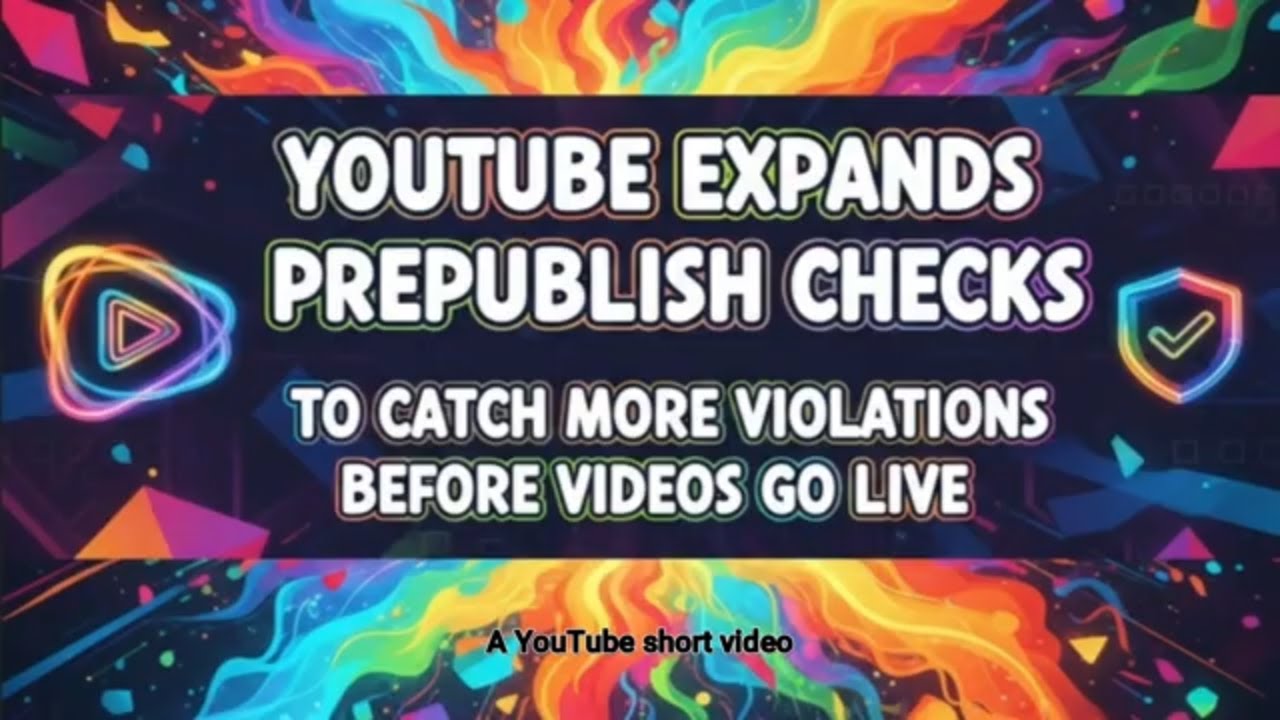
YouTube's pre-publish check is a proactive scanning system that reviews your video content before it goes live. Originally launched in 2021 to catch copyright issues and ad suitability problems, YouTube expanded the system in November 2025 to include community guidelines violations - a significant shift from the platform's historically reactive approach to content moderation.
The tool represents YouTube's acknowledgment that strikes often happen unintentionally. As YouTube stated when announcing the community guidelines expansion: "We know how much effort you put into your content, and that sometimes, Community Guidelines violations are unintentional."
The system is still in a limited testing rollout as of 2026, which means not every creator has access to it yet. But understanding how it works - and how to pass it - matters whether or not the check is active on your account, because the same standards it enforces are the ones your videos are judged against after they go live.
Three Things It Scans Before You Publish
Top reasons YouTube removes videos (2019-2024)
The pre-publish check covers three distinct enforcement areas. Each has different consequences and requires different prevention strategies.
1. Copyright
The check detects copyrighted music, footage, and video clips in your upload using YouTube's Content ID system. When triggered, it shows either a Content ID claim (affecting monetization or viewability) or a copyright strike warning (more severe). Copyright issues are the most straightforward to address before publishing - remove or replace the protected content, or verify you have a valid license.
2. Ad Suitability
YouTube's advertising partners have policies about what content their ads appear alongside. The pre-publish check flags content that advertisers will not support - strong language, sensitive topics, controversial subject matter - and marks it as unsuitable for advertising. The video can still be published, but it will be demonetized from day one. There is no strike, but the revenue loss is real.
3. Community Guidelines (added November 2025)
The newest addition to the check scans for hate speech, harassment, graphic violence, nudity, and misinformation. This is the highest-stakes category: violations here can result in strikes that threaten your channel's standing, not just its monetization. YouTube's decision to add this to pre-publish checks - rather than relying solely on post-publish moderation - reflects the platform's effort to give creators an opportunity to address violations before consequences begin.
Top Reasons YouTube Removes Videos (2019-2024)
Child safety (35%) and scams (19%) are verified from hard data. Remaining categories are approximate estimates. Source: Video Advertising Bureau via thedesk.net
How to Find It in YouTube Studio (Step by Step)
If the pre-publish check is available on your account, you will find it during the upload flow in YouTube Studio - not in a separate menu or settings panel. Here is exactly where to look:
- Go to studio.youtube.com and sign in to your channel.
- Click "Create" in the top-right corner, then select "Upload videos."
- Select your video file and wait for it to finish uploading and processing.
- Fill in your title, description, and thumbnail on the Details screen.
- Advance through the upload wizard - Video elements, Checks, Visibility.
- On the "Checks" screen - this is where the pre-publish check results appear. Watch for color-coded indicators: green checkmark means clear, yellow or red means review needed.
- Read the specific warning if any flags appear. YouTube explains what triggered the check and gives you options for how to proceed.
The key insight is that you see these results before you move to the Visibility screen where you set the video to Public. This gives you a meaningful decision window that did not exist before the feature launched.
What Happens When Your Video Gets Flagged

When the pre-publish check identifies a potential violation, you have three paths forward. Each carries different risk levels and trade-offs.
Option 1 - Edit before publishing (recommended)
YouTube tells you what triggered the flag and where the problem is in your video. Go back to your editing software, remove or replace the offending element - a copyrighted music clip, a flagged segment, a piece of licensed footage - and re-upload the edited version. This is the only option that eliminates the underlying risk before it can become a strike.
Option 2 - Publish anyway (with eyes open)
You can choose to publish despite the flag. YouTube is direct about what this means: the content "may be restricted and could result in a Community Guideline strike if a violation is confirmed after it's live." You are not prevented from uploading, but you are informed. If human moderation later confirms the violation, the strike clock starts from the moment the video went live - not from when you were warned.
Option 3 - Appeal after going live
If you believe the flag is incorrect - a false positive on legitimate content - you can publish and then submit an appeal through YouTube Studio. Appeals involve human review, which can take days or weeks. During that time, your video may have reduced visibility or restricted features.
The decision framework is straightforward: if you can fix it before publishing, fix it. The time cost of re-editing is almost always lower than the time cost of dealing with a strike, filing an appeal, and potentially losing channel features for weeks.
What the Pre-Publish Check Won't Catch
The cost of a Community Guidelines strike
Understanding what the check does not cover is as important as knowing what it does. The pre-publish check is a useful tool, not a compliance guarantee.
- Context-dependent violations - The system scans content, not context. A video discussing extremist ideology for educational purposes might look similar to one promoting it. The pre-publish check cannot reliably distinguish intent from content alone.
- False positives happen - Legitimate content gets flagged. Documentary footage of violence, news commentary, and satire have all triggered pre-publish warnings. The system is automated and imperfect.
- Limited rollout - As of 2026, the check is still not available to all creators. If you do not see it in your upload flow, that does not mean your content is exempt from the policies it would check.
- Algorithm suppression is separate - The pre-publish check is about policy violations and strikes. It does not tell you whether your video will be suppressed in recommendations, which operates under a completely different set of signals.
- You remain responsible - A green checkmark is not legal clearance or a promise that the video will not be actioned after it goes live. YouTube's post-publish moderation runs independently of the pre-publish check.
The Cost of a Community Guidelines Strike
Best Practices to Pass Pre-Publish Checks Every Time
The pre-publish check is a safety net, not a substitute for building clean upload habits. These practices reduce the chance of flagged content getting to the check at all.
Use YouTube Audio Library or properly licensed music
Background music is the most common copyright trigger in pre-publish checks. YouTube's Audio Library offers thousands of tracks that are free to use on the platform without copyright claims. If you want to use commercially released music, verify your license before editing it into your video - not after upload. A production music license, a sync license, or a royalty-free subscription service are your main options outside of the Audio Library.
Use YouTube's built-in sensitive content declaration tool
YouTube gives creators a self-declaration tool for content involving sensitive topics - violence, adult themes, drug use - that are present but handled responsibly. Declaring this content proactively is treated differently by the system than having it detected by automated scanning. Use the declarations honestly; misuse to bypass checks is a separate policy violation.
Avoid misleading titles and thumbnails
Titles and thumbnails that do not accurately represent the video content are flagged for both ad suitability and community guidelines reasons. Clickbait that overpromises, thumbnails that show graphic content obscured by text overlays, and titles that use shock language unrelated to the video's actual content all trigger the ad suitability check. The solution is alignment: your title, thumbnail, and video should describe the same thing.
Review YouTube's community guidelines quarterly
YouTube updates its policies. Guidelines that were clearly acceptable 18 months ago may have changed. A quarterly check of the creator policy resources keeps you current. This is particularly important for creators in topics adjacent to news, health, finance, and politics, where platform policies have shifted most significantly in recent years.
Upload as Private first, review the check, then switch to Public
Setting your initial visibility to Private when you upload means the pre-publish check runs before anyone can see the video. You can review the check results, address any flags, and only switch to Public once you have confirmed the video is clean. This workflow adds two minutes to your upload process and removes significant risk from your publishing pipeline.
Building a Strike-Proof Upload Workflow
Passing pre-publish checks consistently is less about reacting to flags and more about the habits you build across your entire production process. The most policy-compliant creators tend to follow a structured workflow that builds compliance in from the research stage, not just the upload stage.
A reliable upload workflow looks like this:
- Research - Understand your topic well enough to know where the policy edges are. Creators who research their niche systematically - bookmarking competitor videos, flagging viral examples, organizing reference material - tend to produce more policy-aligned content because they understand what is actually performing on the platform and why.
- Script - Write a script or outline that avoids language and framing you know will trigger flags. This is faster than editing it out of a finished video.
- Film - Capture content that matches your script. Avoid filming elements that will need to be cut in editing.
- Edit - Use licensed music, check any third-party footage for rights, review graphic or sensitive segments critically before they become part of the upload.
- Upload as Private - Let the pre-publish check run without any audience pressure to publish quickly.
- Review the check results - Address any flags before moving forward. Green on all three areas means you can proceed with confidence.
- Publish - Switch visibility to Public or schedule your release.
The research stage deserves more attention than most creators give it. Creators who use YouTube Bookmark Pro to bookmark competitor videos, organize research by topic, and flag examples of content that performs well in their niche build a working knowledge of what the platform rewards and what it penalizes. That institutional knowledge - accumulated systematically over months - makes policy-compliant content creation a natural output of the research process rather than an extra compliance step at the end.
Your upload workflow is only as strong as your research workflow. When you understand your category deeply, you already know what triggers flags before you start filming.
Build a better research workflow
Organize your creator research before it becomes a compliance problem
Save competitor videos, bookmark policy resources, and organize your research by topic so your content production starts on solid ground. Free forever.
Related guides
Frequently Asked Questions
Is the pre-publish check available to all YouTube creators?
Not yet. As of 2026, the pre-publish check is still rolling out gradually and most channels do not have access to it. If you do not see a "Checks" step in your YouTube Studio upload flow, the feature has not reached your account. This does not affect whether your content is subject to YouTube's policies - those apply regardless of whether the pre-publish check is available on your channel.
Does passing the pre-publish check guarantee my video won't get a strike?
No. The check is not comprehensive and YouTube's human moderation can still flag content after it goes live. A green result from the pre-publish check means the automated system did not detect issues, not that your video is immune to future review. You remain responsible for ensuring your content complies with YouTube's policies.
What's the difference between a copyright warning and a community guidelines strike?
Copyright warnings typically come through YouTube's Content ID system and affect monetization or require you to edit the video. They do not usually count as strikes against your channel standing. Community guidelines strikes are more severe - they restrict your ability to upload, stream, and post for one to two weeks per strike, and three strikes within 90 days results in permanent channel termination. The pre-publish check can catch both, but the consequences are very different.
Can I still publish if my video is flagged?
Yes. YouTube does not prevent you from publishing a flagged video. However, YouTube clearly warns that the content "may be restricted and could result in a Community Guideline strike if a violation is confirmed after it's live." Publishing despite a flag is your choice, but you should treat the warning seriously - especially for community guidelines flags, where the consequences involve strike accumulation rather than just monetization loss.
How long does a community guidelines strike last?
Each community guidelines strike lasts 90 days from the date it was issued. During those 90 days, it counts toward the three-strike limit. If you receive three strikes within any 90-day rolling window, YouTube permanently terminates the channel. After 90 days, individual strikes expire, but the damage done during the restriction period - lost uploads, lost streams, lost audience momentum - does not reverse. This is why avoiding strikes entirely is a better strategy than managing them after they occur.
Leave a Comment
Join the conversation